
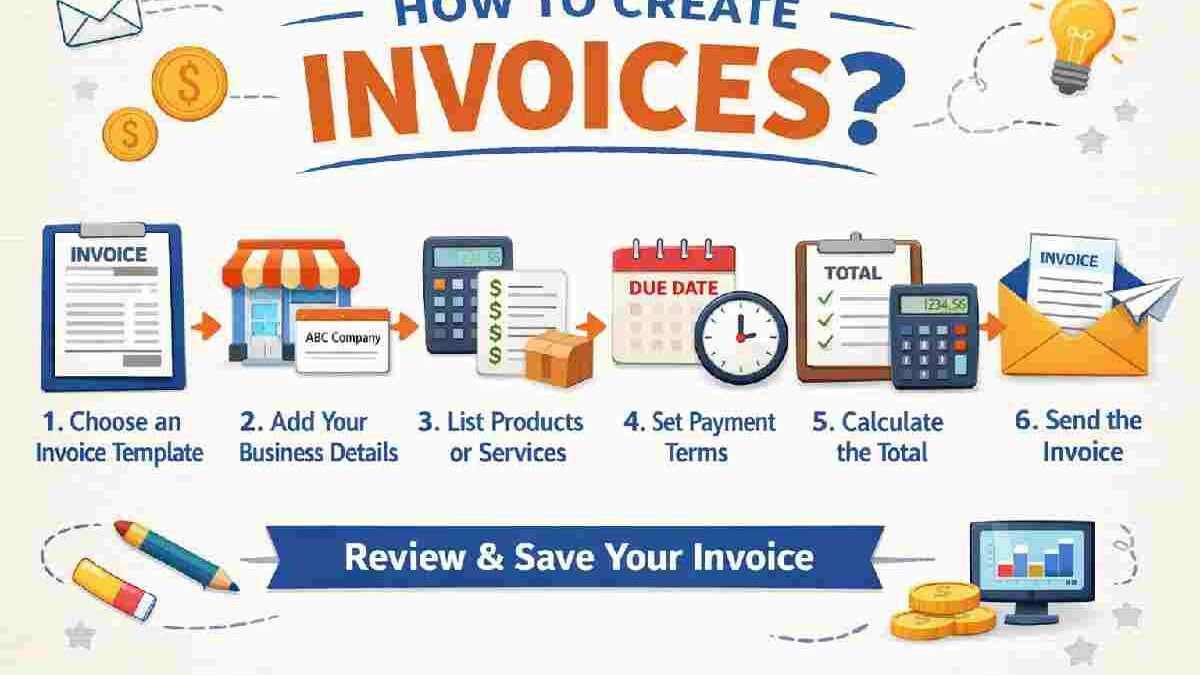
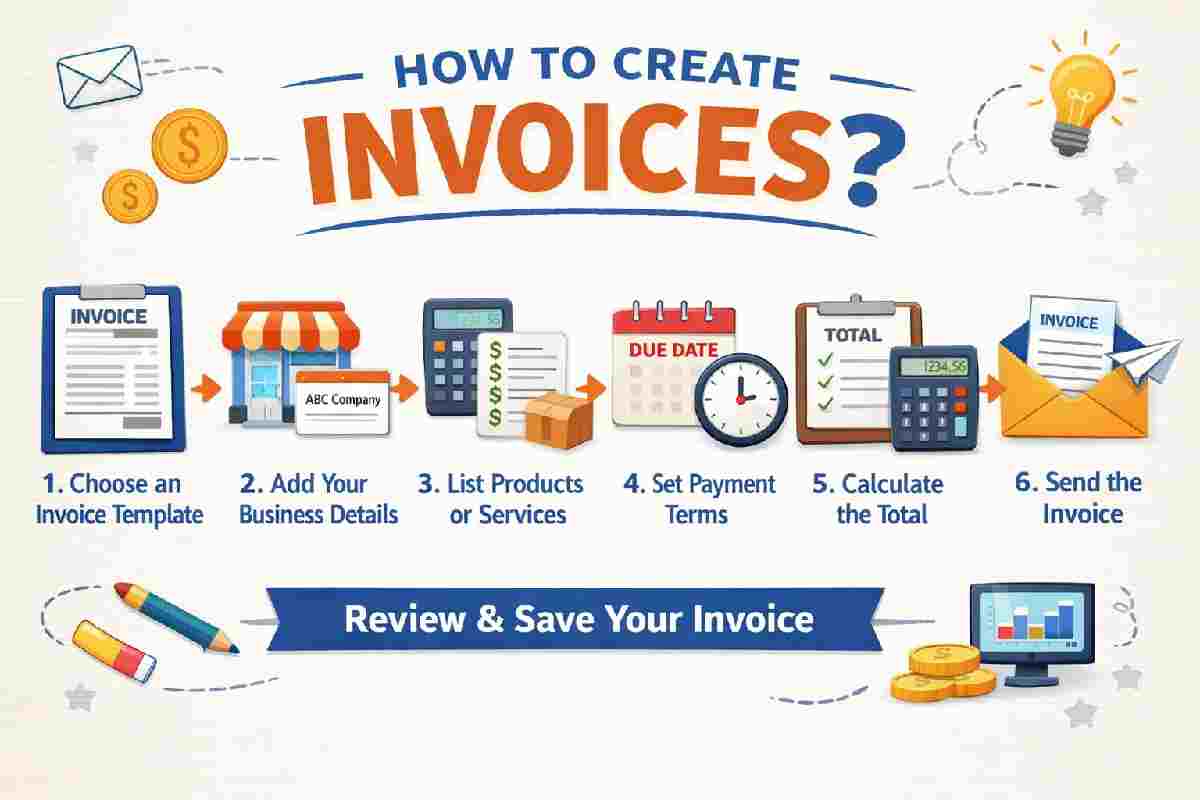
How to Create Invoices? : Creating invoices might seem like one of those boring business tasks you put off until the last minute—but once you get the hang of it, it becomes one of the most powerful tools for getting paid on time and keeping your finances organized.
Whether you’re a freelancer, small business owner, or just starting out, learning how to create invoices properly can save you time, reduce confusion, and even improve your professional image.
Let’s break it down in a simple, real-world way—no jargon, no fluff, just practical guidance you can actually use.
Table of Contents
What Is an Invoice? (Simple Definition)
An invoice is a document you send to a client requesting payment for products or services you’ve provided. It includes details like what you did, how much it costs, when it’s due, and how to pay you.
Think of it as your official “payment request”—but also a record that protects both you and your client.
Why Invoices Matter More Than You Think?
You might feel like a simple message saying “Please send payment” is enough—but invoices do much more than that:
- They make you look professional
- They help track income and taxes
- They reduce payment disputes
- They ensure timely payments
- They serve as legal proof if needed
A well-crafted invoice can literally mean the difference between getting paid in 3 days vs 30 days.
Key Elements of a Professional Invoice
Before we dive into how to create one, let’s understand what must be included.
Essential Components of an Invoice
| Element | Description | Why It Matters |
| Invoice Number | Unique identifier for each invoice | Helps track payments easily |
| Your Business Details | Name, address, contact info | Establishes credibility |
| Client Details | Name and contact info | Ensures correct recipient |
| Invoice Date | Date of issue | Helps track timeline |
| Due Date | Payment deadline | Encourages timely payment |
| Description of Services | What you did or sold | Avoids confusion |
| Amount | Total cost | Core of the invoice |
| Payment Terms | How and when to pay | Prevents delays |
| Payment Methods | Bank, UPI, etc. | Makes it easier for clients |
Step-by-Step Guide: How to Create an Invoice
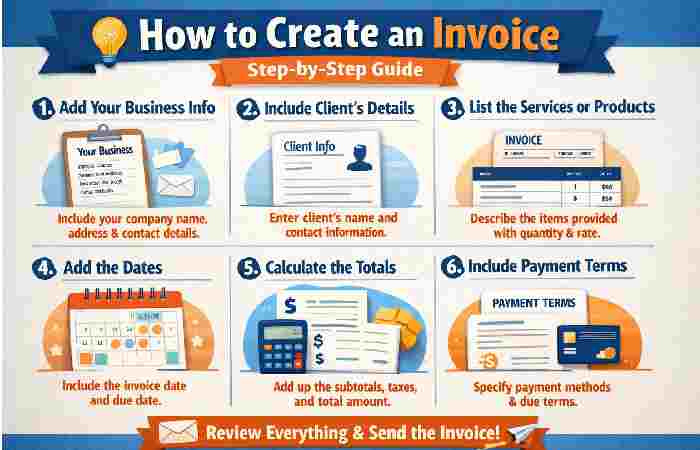
Let’s walk through the actual process step by step.
Step 1: Add Your Business Information
Start with your details at the top:
- Name or business name
- Address
- Phone number
This tells the client exactly who the invoice is from.
Step 2: Include Client Information
Right below your details, add your client’s information:
- Client name or company
- Address
- Contact details
Double-check this section—mistakes here can delay payments.
Step 3: Create a Unique Invoice Number
Every invoice should have a unique number.
Examples:
- INV-001
- 2026-04-01
- KHZ-1001
This helps you and your client track payments easily.
Step 4: Add Dates
You’ll need two key dates:
- Invoice Date – When you send it
- Due Date – When payment is expected
Step 5: List Products or Services
This is the main section where you explain what you’re charging for.
Example Table:
| Description | Quantity | Rate | Total |
| Website Design | 1 | $500 | $500 |
| Logo Design | 1 | $150 | $150 |
| Maintenance | 2 hrs | $25 | $50 |
Total Amount: $700
Be as clear as possible—this avoids questions later.
Step 6: Add Payment Terms
This section explains when and how payment should be made.
Common terms include:
- Net 7 (payment within 7 days)
- Net 15
- Net 30
You can also include late fees if needed.
Step 7: Include Payment Methods
Make it easy for your client to pay you.
Examples:
- Bank transfer
- UPI
- PayPal
- Credit card
The easier it is to pay, the faster you’ll get paid.
Step 8: Add Notes or Thank You Message
A simple line like:
“Thank you for your business!”
can make your invoice feel more human and less robotic.
Sample Invoice Layout
Here’s a simplified version of how your invoice should look:
| Section | Example |
| Header | Your Business Name |
| Invoice No | INV-1023 |
| Date | April 8, 2026 |
| Client | ABC Company |
| Description | Web Development |
| Total | $800 |
| Payment Terms | Net 15 |
| Notes | Thank you for your trust! |
Different Types of Invoices
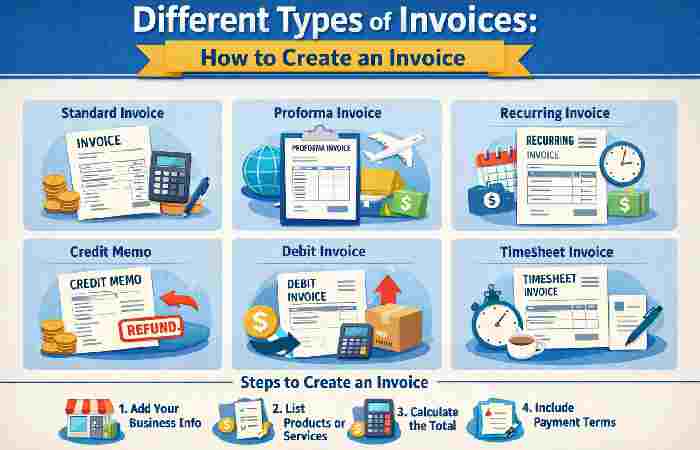
Not all invoices are the same. Depending on your work, you might need different types.
Common Invoice Types
| Type | When to Use | Example |
| Standard Invoice | Regular billing | Freelance projects |
| Proforma Invoice | Before work starts | Advance estimate |
| Recurring Invoice | Ongoing services | Monthly subscriptions |
| Credit Invoice | Refund or adjustment | Discounts or returns |
| Debit Invoice | Additional charges | Extra work added |
Tools You Can Use to Create Invoices
You don’t need to design invoices from scratch. There are many easy tools available.
Popular Options:
- Excel or Google Sheets
- Word templates
- Online invoicing tools
- Accounting software
Choose what fits your workflow—simple is often better.
Common Mistakes to Avoid
Even small mistakes can delay payments or cause confusion.
Watch out for these:
- Missing invoice number
- Incorrect totals
- Vague descriptions
- No due date
- No payment instructions
Tips to Get Paid Faster
Creating an invoice is one thing—getting paid is another.
Here are some real-world tips that actually work:
- Send Invoices Immediately
Don’t wait. The sooner you send it, the sooner you get paid.
- Be Clear and Simple
Avoid confusing terms or complicated layouts.
- Offer Multiple Payment Options
More options = faster payments.
- Follow Up Politely
A gentle reminder works better than silence.
- Build Good Relationships
People pay faster when they trust you.
Invoice Template Example
Here’s a ready-to-use structure you can follow:
Your Name / Business Name
Address
Email | Phone
Invoice Number: INV-001
Date: April 8, 2026
Due Date: April 15, 2026
Bill To:
Client Name
Company Name
Services
| Description | Qty | Rate | Total |
| Service Name | 1 | $100 | $100 |
Total Amount: $100
Payment Methods: Bank Transfer / UPI
Notes: Thank you for your business!
How to Customize Your Invoice?
Your invoice doesn’t have to be boring. You can make it reflect your brand.
Ways to personalize:
- Add your logo
- Use brand colors
- Choose clean fonts
- Add a friendly tone
Just don’t overdo it—clarity is still the priority.
Digital vs Paper Invoices
Most businesses today prefer digital invoices—but both have their place.
Comparison Table
| Feature | Digital Invoice | Paper Invoice |
| Speed | Instant | Slow |
| Cost | Low | Printing cost |
| Tracking | Easy | Difficult |
| Storage | Cloud | Physical space |
| Environment | Eco-friendly | Not eco-friendly |
Legal Considerations
Invoices aren’t just for payment—they also have legal value.
Make sure your invoice includes:
- Accurate details
- Correct pricing
- Tax information (if applicable)
In some countries, invoices are required for tax compliance.
How to Automate Your Invoicing?
Once your business grows, manual invoicing can become time-consuming.
Automation helps you:
- Send invoices automatically
- Set reminders
- Track payments
- Reduce human error
This is especially useful for recurring clients.
When Should You Send an Invoice?
Timing matters more than you think.
Best practices:
- After completing work
- At project milestones
- Before starting (advance payment)
- Monthly for ongoing services
Final Thoughts
Learning how to create invoices is one of those small skills that makes a big difference in your professional life.
It’s not just about asking for money—it’s about:
- Showing professionalism
- Building trust
- Keeping your finances organized
Start simple. Improve over time. And most importantly—don’t delay sending invoices.
Because at the end of the day, your work deserves to be paid.