
 Khizrana Begum
Technology & Digital Content Writer
Khizrana Begum is a Technology & Digital Content Writer at TechSmartInfo who creates clear, practical and reader-friendly articles about technology, software, apps, digital tools, web topics and emerging digital trends.
Read Full Bio of Author →
Technology & Digital
Khizrana Begum
Technology & Digital Content Writer
Khizrana Begum is a Technology & Digital Content Writer at TechSmartInfo who creates clear, practical and reader-friendly articles about technology, software, apps, digital tools, web topics and emerging digital trends.
Read Full Bio of Author →
Technology & DigitalContent Writer
 Sameena Begum
Technology & Digital Content Reviewer
Sameena Begum is a Technology & Digital Content Reviewer at TechSmartInfo who reviews selected articles for clarity, organisation, consistency, readability and responsible presentation.
Read Full Bio of Reviewer →
Technology & Digital
Sameena Begum
Technology & Digital Content Reviewer
Sameena Begum is a Technology & Digital Content Reviewer at TechSmartInfo who reviews selected articles for clarity, organisation, consistency, readability and responsible presentation.
Read Full Bio of Reviewer →
Technology & DigitalContent Reviewer
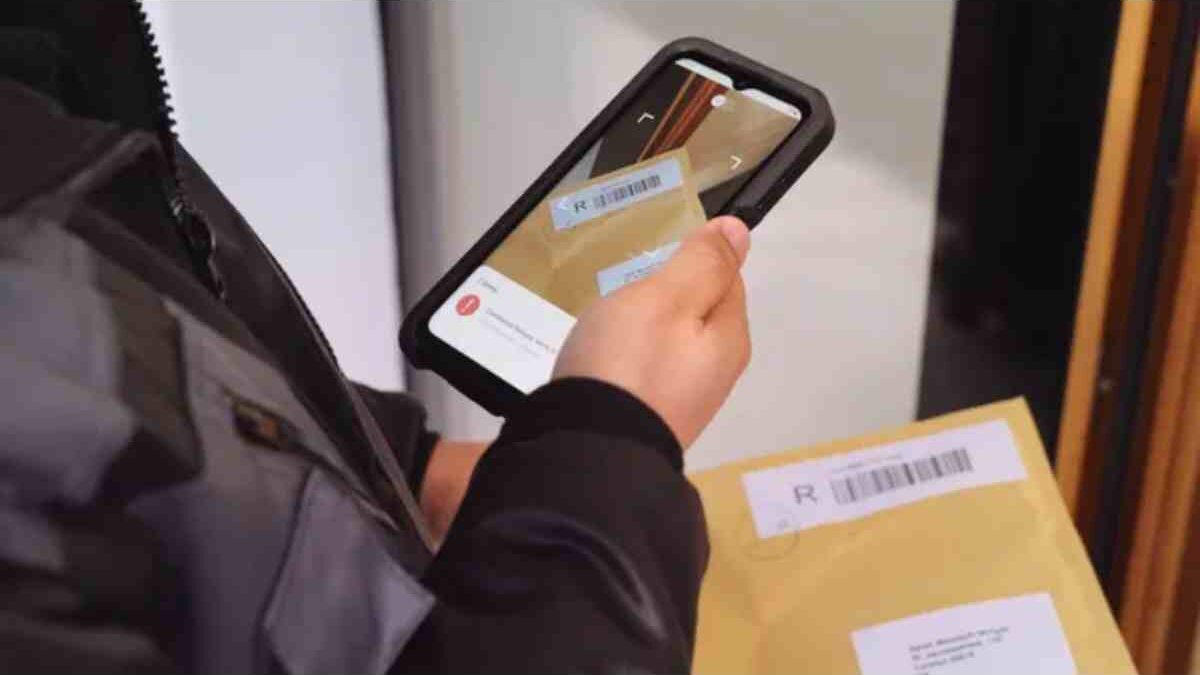
scanner app for Android: Technology has evolved and has become very simple and easy in everyday life, especially when scanning documents. But with this technology, we don’t need a scanning machine, because with an Android phone we can simply scan our documents at any time. and it’s easy to scan documents on Android
Now, you don’t have to go to a document scanning center anymore, your Android phone can scan documents anytime and you can easily share them.
Table of Contents
Camscanner Application
The best and the best scanner ever is Camscanner. With this app, it is very easy to scan documents or paper just by taking a photo of the documents you need.
Camscanner can scan very high-quality documents with good results. It can change document file formats to JPEG, PDF, and many more. An Andriod scan is very popular in everyday business.
Small Scanner App
If you are looking for the best Android document scanning apps, Tiny Scanner is the best one. This application can scan documents and then convert them to PDF format. You can also edit documents in image format.
Tiny Scanner has various fantastic features like changing colors to multiple colors. You can secure your scanned documents with a password function.
Adobe Scanning
Adobe Scan offers the ability to scan documents in a very simple way, you can capture and scan all kinds of documents and use them in the simple interface. And easily to share as images or even in PDF format, the choice is yours.
Adobe scans documents with borders, sharpness and optimizes with the best quality. You can edit PDF files and convert them to Microsoft Office files.
Office Lens
It’s a better application for scanning documents and it’s very easy to use. You can change images to PDF, Word, and PowerPoint files. You can save them on your hard drive.
Whether or not scanned text is automatically recognized using OCR technology, it is easy to find words for easy copying or editing. Office Lens is one of the best document scanning apps on the Play Store.
Fast Scan
The other best Android scan document is the fast scanner. This application is very useful and useful for those who need a scanning tool. This application can scan papers with a selection of features that make it much easier to use. And the results of the scanning process are simple and satisfactory.
Delete Analysis
Thanks to the clear scan, your scanned documents are processed very quickly. It’s simple and easy to use, along with great features, which make it easy for users to scan documents.
The main advantage of this application is that it allows you to scan documents without getting big scanning results. Since this app offers the best quality, the file size is very small.
Simple Scan
If you are looking for a specialized scanner for scanning documents, try a simple scan to scan documents very quickly and easily. This application allows users to save scanned documents in PDF and image formats.
You can adjust the size of the scanned documents with A4 letters and other sizes as you need. It has a feature that allows you to protect your scanned documents with passwords. This makes it easier to scan documents and the results are easy and safe.
Khizrana Begum is a Technology & Digital Content Writer at TechSmartInfo who creates clear, practical and reader-friendly articles about technology, software, apps, digital tools, web topics and emerging digital trends.
Sameena Begum is a Technology & Digital Content Reviewer at TechSmartInfo who reviews selected articles for clarity, organisation, consistency, readability and responsible presentation.