
 Khizrana Begum
Technology & Digital Content Writer
Khizrana Begum is a Technology & Digital Content Writer at TechSmartInfo who creates clear, practical and reader-friendly articles about technology, software, apps, digital tools, web topics and emerging digital trends.
Read Full Bio of Author →
Technology & Digital
Content Writer
 Sameena Begum
Technology & Digital Content Reviewer
Sameena Begum is a Technology & Digital Content Reviewer at TechSmartInfo who reviews selected articles for clarity, organisation, consistency, readability and responsible presentation.
Read Full Bio of Reviewer →
Technology & Digital
Content Reviewer
Table of Contents
What Is A Network?
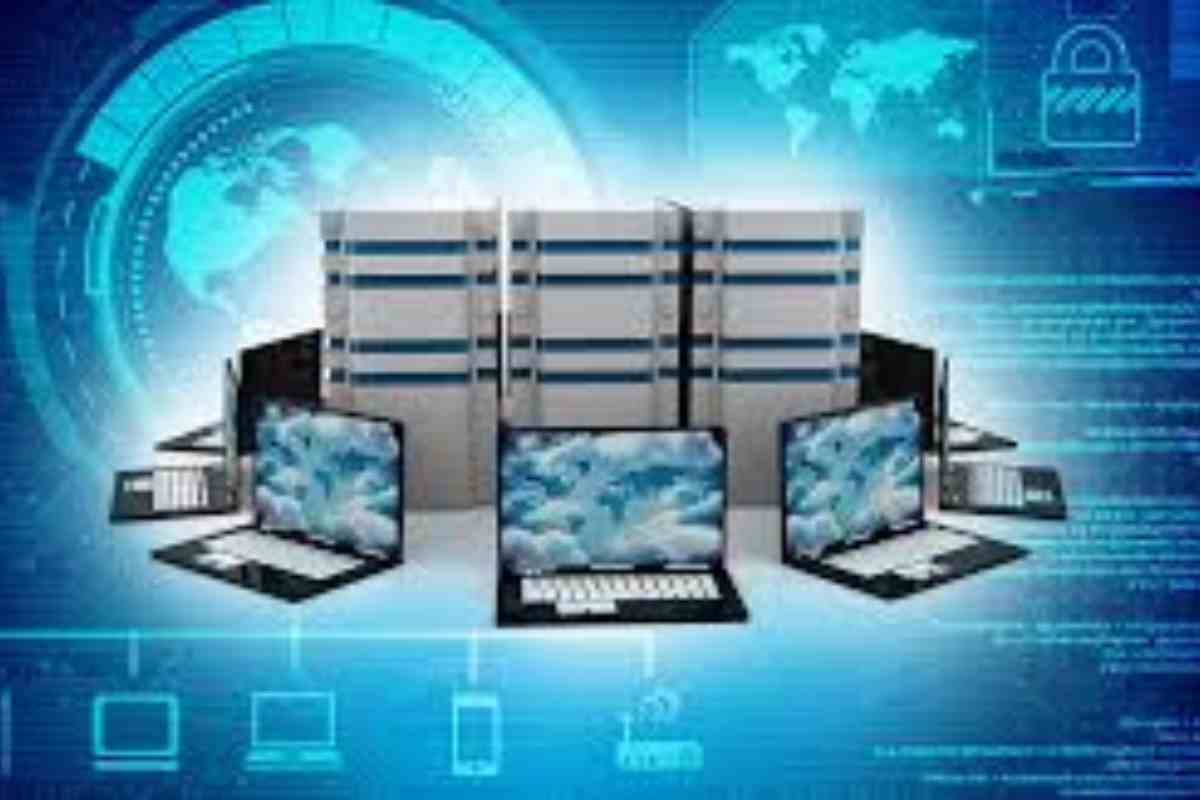
In computing, a network refers to the connection of multiple computers (or, in turn, networks) by wired or wireless devices that, through electrical impulses, electromagnetic waves, or other physical means, enable them to convert information into packets of data to send and receive, to share their resources and to act as an organized whole.
Networks have processes for sending and receiving messages and a set of codes and standards that ensure that computers understand them on the web (rather than others). These communication standards are known as protocols, and the most common of them today is TCP / IP.
Setting up a network makes it possible to manage internal communication, share running programs, access the Internet, and even manage devices such as printers, scanners, etc. Businesses can also use a business phone system to manage communication across their network. This swarm system currently supports many management and information processing processes such as telecommunication networks, the Internet, or various intranets or organizations.
The advent of networks has revolutionized the understanding of computers and opened up a new field within the discipline to meet the needs for improvement, security, and usability of computer communication.
Network Types
WAN Network
WANs are more significant and extensive, like global networks or the Internet. An Internet service provider helps users and organizations connect to these networks and access online services.
LAN Network
Local network (in English: “Local Area It. These are the smallest networks that we can install in our department.
MAN Network
Metropolitan Area Network. These are medium-size networks, ideal for a college campus, multi-story library, commercial building, or even part of a city.
Guided Media.
Networks connect machines via physical cable systems: twisted pair, coaxial or optical fiber. It has the advantage of being faster, less noisy, but less comfortable and practical.
Unguided Media Networks.
Networks that establish connections through systems distributed and extended to the whole area: radio waves, infrared or microwave signals, such as satellite systems, and Wi-Fi. They are a little slower but much slower, practical, and practical. Users can also learn about the difference between Wi-Fi and wireless to better understand how these connection methods work.
Network Topology
A network is a series of interconnected computers to allow resource sharing. A server generally provides services like email and file storage.
Bus Networks.
Also known as linear. iT has a server at the top of a straight line of clients, and a single communication channel called the bus or backbone.
Selected Networks.
Every computer directly connects to the server, which is in the middle of each one. All communication between clients must first run through the server.
In a ring. They are also called circulars and connect the clients and the server in a circuit, Although the server maintains its hierarchy over the system.
The Star Network
In a star network, each device in the network has a cable connecting to a switch or hub. A hub sends all data packets to all devices. And while a switch only sends one data packet to the target device.
Server And Clients.
Servers process the flow of data over the network and respond to requests from other computers called clients or workstations. These enable users to access and share information individually. Modern mobile networks, including 5G technology, also support faster data communication between connected devices.
Advantages of Network
- Sharing devices like printers saves money.
- Site licenses (software) are likely cheaper than buying multiple, separate permits.
- Files can easily share between users.
- Users can communicate by email and instant messaging.
- Security is good: users cannot see other users’ files, unlike standalone computers.
- Backing up data is easy as all information is storing on the file server.
Disadvantages of Network
- Network cables and file servers can be expensive to purchase.
- Managing an extensive It complicate. Requires training and usually requires hiring an administrator.
- If the file server fails, the files on the file server will no longer be accessible. Email can still work if it’s on a separate server. Computers can still use but are isolates.
- Finally, there is a particular risk of piracy in long-haul networks. To prevent such misuse, security procedures require, for example, a firewall. Some users also rely on services like Usenet for accessing and sharing online content, making proper network security important.
Khizrana Begum is a Technology & Digital Content Writer at TechSmartInfo who creates clear, practical and reader-friendly articles about technology, software, apps, digital tools, web topics and emerging digital trends.
Sameena Begum is a Technology & Digital Content Reviewer at TechSmartInfo who reviews selected articles for clarity, organisation, consistency, readability and responsible presentation.